
Home » Cashless Payments Knowledge Hub » Sending Money Abroad from the UAE: Documents, Requirements and Transfer Options (2026)
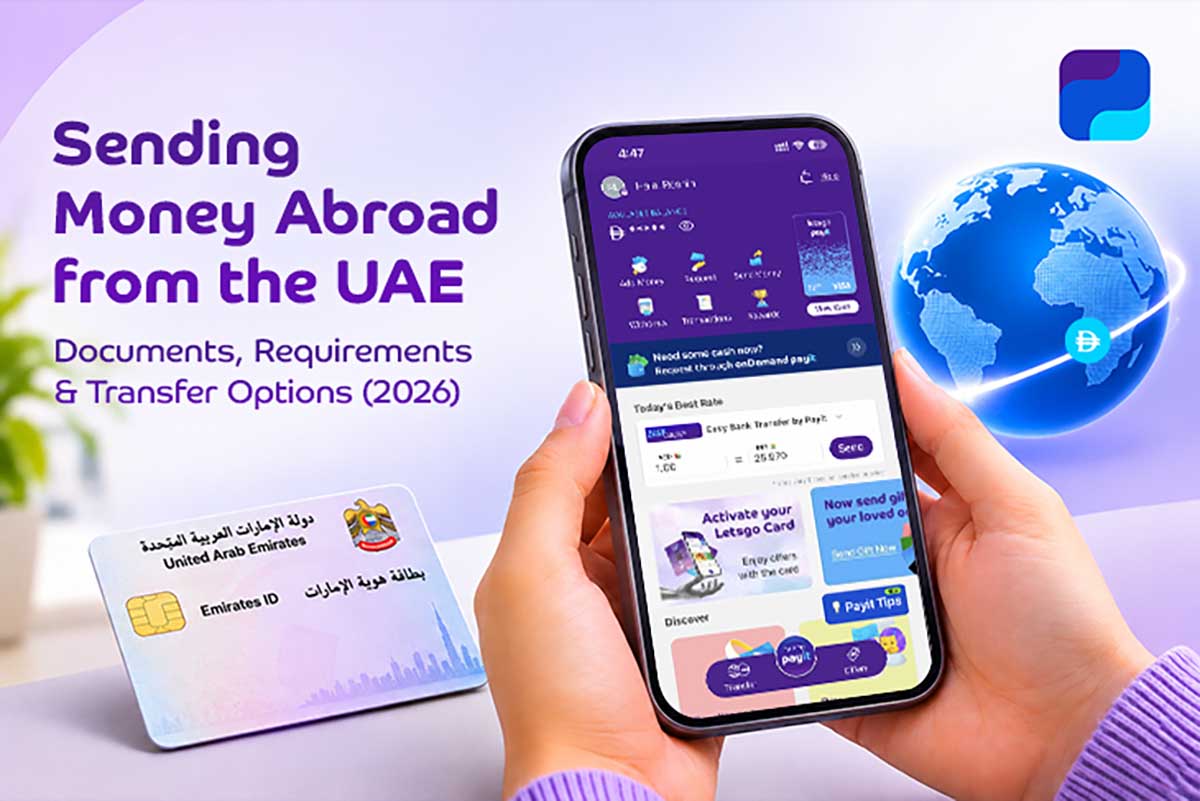
Sending money home is a regular part of life for many UAE residents. It could be for your family’s monthly expenses, your child’s education fees or an unexpected expense. It is important to understand the documents and details required to make an international money transfer. Depending on the transfer service, you may need to provide identification documents and recipient details.
Payit Digital Account, powered by First Abu Dhabi Bank (FAB), offers eligible customers access to supported international money transfer services through the Payit app. Once you register and verify your account, you can explore available transfer options based on your destination and requirements.
Banks and money transfer providers in the UAE may request identification documents and supporting information before processing an international transfer. The exact requirements depend on the provider, your customer profile and the nature of the transaction.
Depending on the provider and transaction, you may need:
Not every transfer requires all these documents. Financial institutions follow customer identification and verification requirements established by the Central Bank of the UAE, and additional checks may apply depending on the circumstances. [1]
Digital financial services such as Payit Digital Account can make the process more easy and convenient by completing the required identity verification during account registration.
To register for a Payit Digital Account, eligible UAE residents need a valid Emirates ID and must complete the required registration and verification steps. Once your identity is verified, you generally won’t need to submit your identification documents again every time you send money abroad. [2]
You can then use the Payit app to access available international money transfer services.
Once your Payit Digital Account is registered and verified, you can access supported international money transfer services directly through the Payit app.
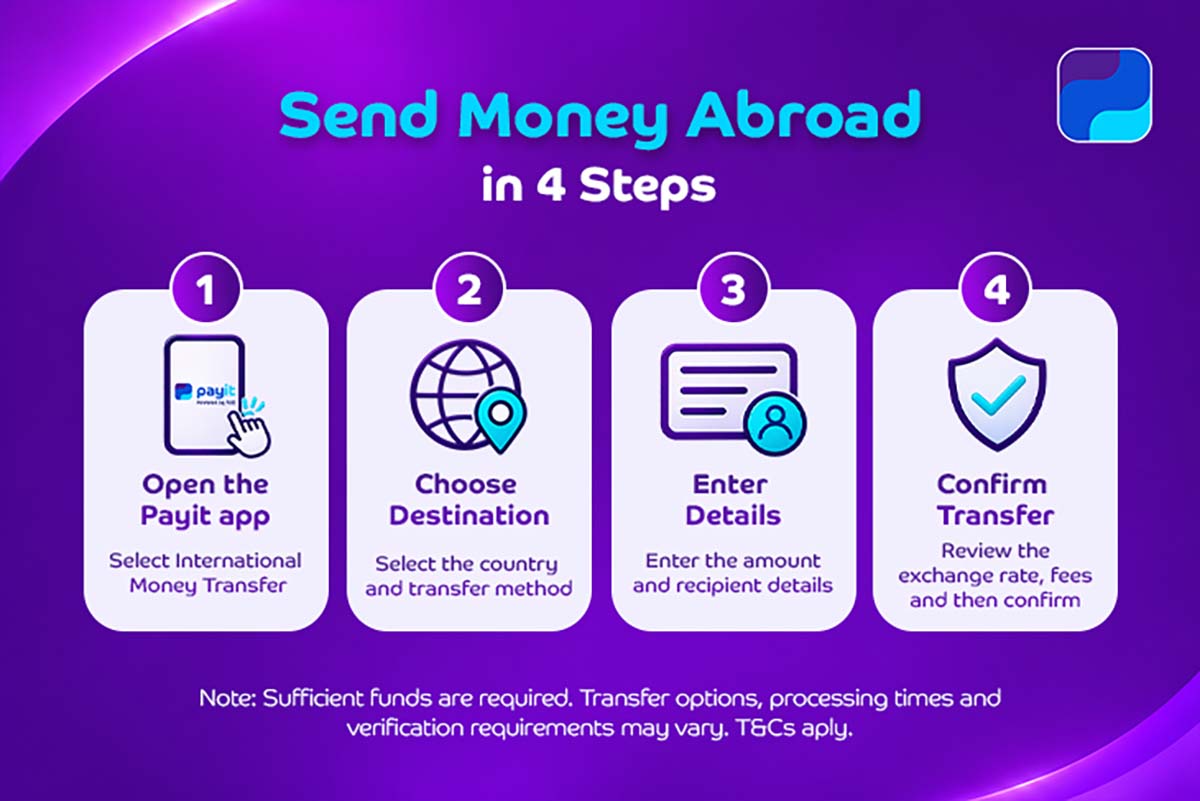
Depending on your destination, you can choose from the following international money transfer options:
Make sure you have sufficient funds in your Payit Digital Account before making a transfer. Available transfer methods, processing times and additional verification requirements may vary depending on the destination and selected service. [2]
Once your registration is complete, you will need to provide the recipient’s details to send money abroad. Depending on the service, these may include:
It is also important to review the exchange rate, fees and transfer limits that apply. Ensure to always double check the recipient’s name and receiving details before confirming. Even a small mistake could delay the payment.
International money transfers are easier to manage when you understand the documentation requirements and have the correct recipient information ready.
Payit Digital Account brings supported international transfer options into one digital experience, helping eligible customers send money for family support, education expenses and other financial commitments abroad.
Explore the available destinations, review the applicable exchange rates and fees, and choose a transfer option that suits your needs.
An eligible Payit Digital Account customer may be able to send money internationally without holding a conventional UAE bank account, provided they have access to a supported top-up method and meet the applicable requirements.
Account access and transfer availability may depend on security checks, eligibility and location-related restrictions. Check the applicable conditions with Payit Digital Account.
Cancellation depends on the transfer status and applicable service terms. Contact Payit Digital Account customer support promptly if you need assistance.
Processing times may vary. You can check the available transaction information and contact Payit Digital Account support for assistance if the transfer takes longer than expected.
Customers should use their own registered accounts. Sharing account credentials or allowing unauthorised access may breach applicable account terms.